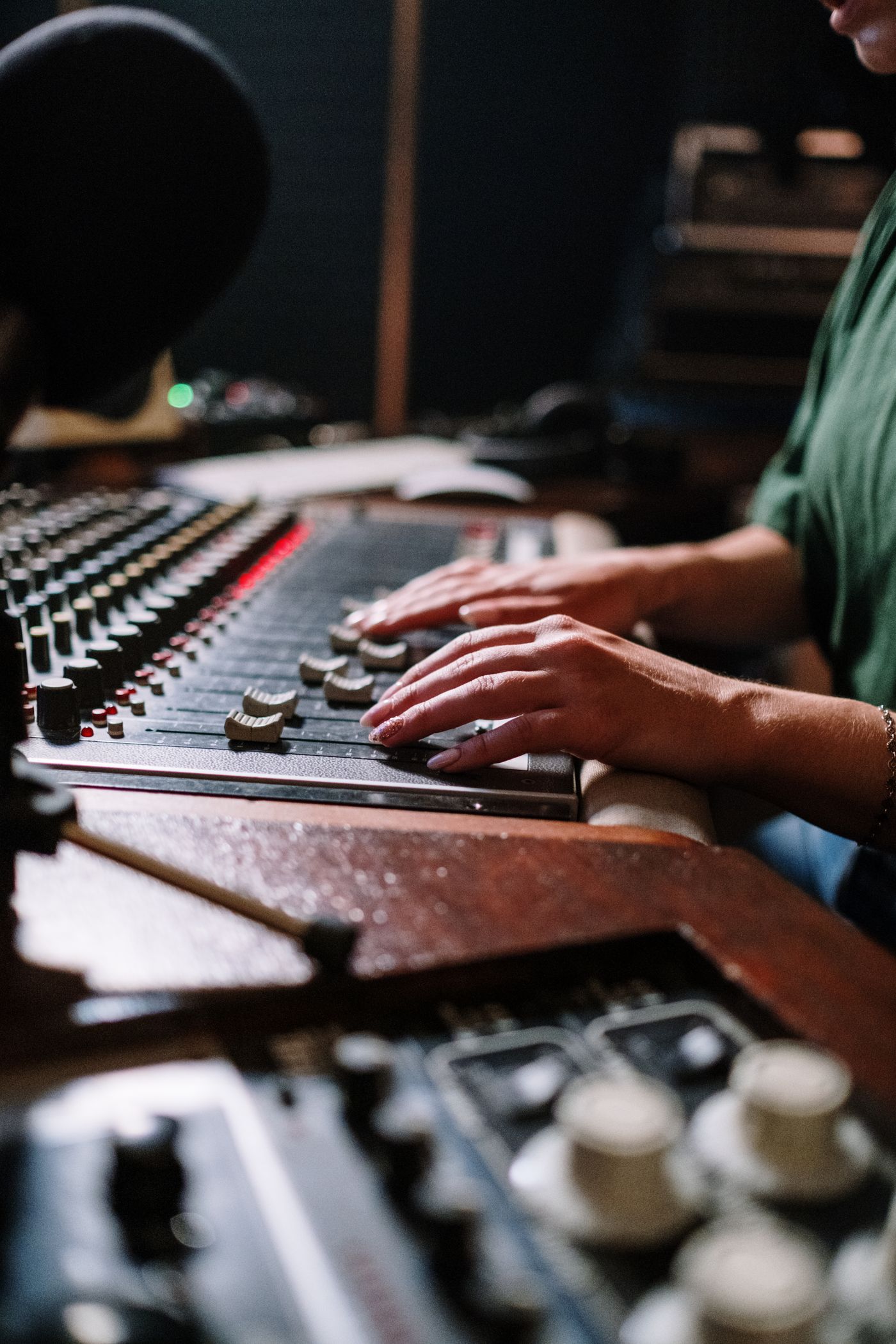
Ask SODIUM
Ask SODIUM: How do I release my first song?
A practical answer to a common first-release question, from choosing the final recording to checking credits, delivery and the links listeners will use.
Ask SODIUM answers common questions about making and releasing music.

What does a first release actually involve?
Start in SODIUM COLLAB, a browser music studio for recordings, MIDI, sounds and shared projects. Record the performances, arrange the parts and use effects to shape the mix. Invite a collaborator to review the working song, then export the checked version for release. Next, prepare credits and artwork, choose a distribution route and give listeners a clear way to hear it. One finished song is enough to begin. This checklist takes you from that session to a release.
SODIUM COLLAB keeps the arrangement, sounds and project chat together while you make those final musical decisions. A note about the chorus can stay beside the project your partner is reviewing, and the editable session remains available for a revision. Distribution to streaming services is a separate step. Begin with the song before announcing a countdown: deciding a date before the recording is ready can turn ordinary revisions into avoidable last-minute pressure.
How do I know the song is ready?
Use the SODIUM COLLAB arrangement to make a list of unfinished musical decisions. Does the second verse need a lyric? Is the bass entrance settled? Are you choosing between two vocal takes? Add timeline markers for the sections and ask a collaborator a specific question in project chat. Resolve those choices before treating the mix as final. If the vocal needs help, compare modest EQ, compression or reverb changes against the untreated performance.
Once the arrangement is settled, listen from the first sound to the last tail. Check clicks, accidental silence, distracting noises and words that disappear. Use SODIUM COLLAB's audio export for the full mix, with the intended range and effect tail, then play the downloaded file on headphones and another familiar system. Name it clearly and keep the editable SODIUM COLLAB project. This makes the release version easy to identify if a distributor, collaborator or video editor needs it again.
What should I prepare before uploading?
- The checked final audio file in the format required by the destination.
- Consistent artist and song names, with the intended spelling and capitalization.
- The correct contributors and credits, including featured artists where appropriate.
- Artwork you have permission to use, prepared to the service's current requirements.
- Accurate explicit-content information, lyrics where supported and the planned release date.
- An agreed record of each collaborator's contribution and how the group intends to handle ownership and payments.
Resolve unclear sample permissions, cover-song requirements or disputed contributions before uploading. Requirements can depend on the music and where it is released, so use the distributor's current guidance and get qualified advice for a specific rights question. Do not guess at a credit because the form is asking for it. A short discussion with contributors before release is easier than trying to repair contradictory information after the song is public.
How do I get it onto Spotify and Apple Music?
Make and prepare your track in SODIUM COLLAB, then use a distributor to deliver it to Spotify and Apple Music. Choose a service that reaches your intended destinations and fits the way you plan to release music. Compare charges or commissions, renewal terms, support, release changes and what happens if you stop using it. Keep the final audio, artwork and credits together so the delivery step begins with material you have already prepared.
Give delivery and review time some room in the plan. Check the distributor's current lead-time guidance before announcing a date, and confirm the release appears under the intended artist identity. Artists with similar names can be difficult to distinguish. Prepare the artist information the distributor requests, save submission details and review any messages about corrections. Uploading a file and having a release available to listeners are separate milestones.
Prepare the same song for each release format
Prepare the approved SODIUM COLLAB export in the audio format your chosen release route requests. Start with the proper source export rather than turning a compressed listening file into a larger file and expecting restored detail. Review the title, artist names, credits and artwork before delivery. Keep the editable project so an agreed correction or alternate version can begin from the same musical source.
If you also publish a performance video, pair the finished SODIUM COLLAB recording with visuals you have permission to use. Use accurate titles and credits, and check the complete result before making it public. Keep the song version and artist identity consistent across formats. A clear release lets listeners recognize the same work while your studio project remains ready for the next creative contribution.
What should the launch plan look like?
Choose a small plan you can complete while still making music. Prepare one short performance clip, a cover image and a few sentences explaining the song. Decide where the main listening link will live. To pitch an unreleased song to Spotify's editors, prepare it in Spotify for Artists once it appears there and deliver at least seven days before release. Treat that as an opportunity for consideration and keep your own listener-facing launch plan moving.
| Stage | Useful task | Check before moving on |
|---|---|---|
| Before delivery | Finish audio, credits and artwork | Everyone knows which recording is final |
| After submission | Review delivery messages and artist identity | Required corrections are resolved |
| Before release | Prepare a few clear posts or clips | The date and available links are accurate |
| Release day | Listen on the published destinations and share the main link | The right song, artwork and credits appear |
| After release | Share a performance or useful story about the song | Promotion still points to the current release |
What do I do after release day?
Check the published song, credits, artwork and links. Ask collaborators to report a concrete issue rather than circulating conflicting replacement files. If something is wrong, use the relevant service's correction process and keep track of the version involved. Save your final audio, artwork and credits beside the editable SODIUM COLLAB project so the release can be maintained without searching old messages.
Give the song more than a single announcement. Share a live take, describe a choice in the arrangement or thank the people who helped, with permission to name them. Notice which listeners respond and which format you can make comfortably. Keep those lessons for your next SODIUM COLLAB session, then return to writing. To hear when SODIUM COLLAB opens, join the mailing list below for one launch email.
Quick answers
How do I take my SODIUM COLLAB song to Spotify or Apple Music?
Make and prepare the track in SODIUM COLLAB, then export the finished mix. Choose a distributor that delivers to your intended services and follow its audio, artwork and credit requirements. Keep your editable SODIUM COLLAB project for future revisions.
Should I announce a date before the mix is finished?
First settle the recording and release materials, then check the distributor's delivery guidance. Leave time for review and corrections. A date based on a finished, checked song is easier to keep.
Do I need a music video for my first song?
No. Choose a presentation you can make well within your time and budget. A clear release page and a short performance clip may be a manageable starting plan; add a larger video when it serves the music.