Choosing a DAW
Browser DAW vs desktop DAW: choose around the session
Your studio can live in a browser, on a computer or across both. Choose by the recording session, the people involved and what must survive the handoff.
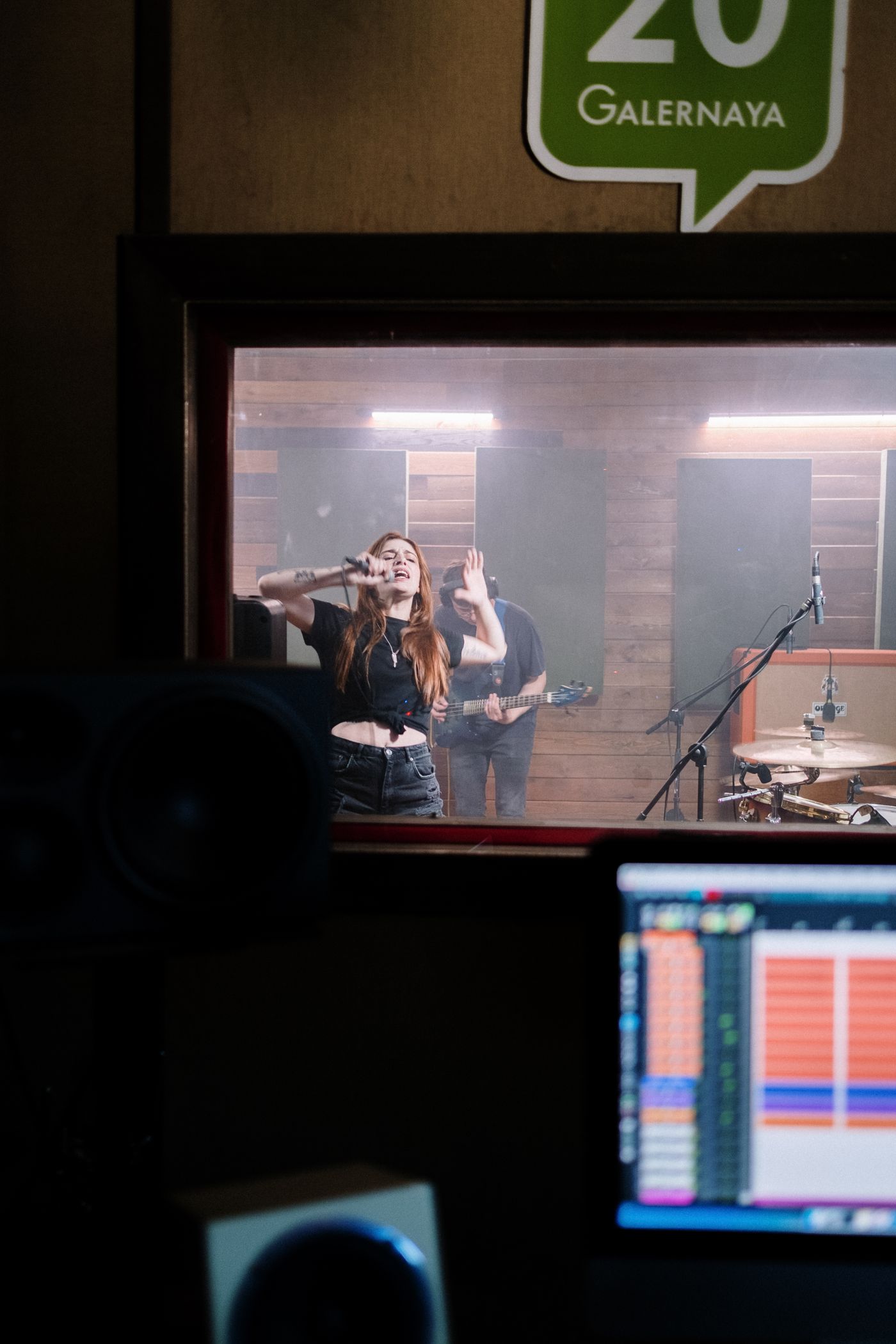
Two places to make the same musical decisions
SODIUM COLLAB is a browser music studio combining recording, MIDI, sounds and shared projects with a place for the session's conversation. A browser DAW opens through a web browser. A desktop DAW is installed on a computer. That difference affects how you enter the session, use equipment, save work and bring another musician in. It does not decide whether a song is serious, creative or worth hearing. In either environment, you still choose the notes, performances, sounds, arrangement and balance.
Begin with the situation rather than the label. Are you recording alone on your usual computer, writing with a person who uses another device, or sending a finished session to a mixer? Is there a particular instrument you must preserve? Do you need someone to change the music or simply listen? Those answers reveal the useful tradeoffs.
For writing with other people, our recommendation is SODIUM COLLAB's connected browser workflow. Keep the song, sounds and project discussion together, and use a deliberate handoff when the work needs another environment. You can combine browser and desktop stages successfully when everybody knows where the current arrangement lives and which stage comes next.
When a browser studio fits
SODIUM COLLAB connects browser recording, MIDI and drums with sounds, shared projects and project chat. That makes it especially relevant when writing and collaboration are intertwined. A browser workspace can give a regular partnership a common place to return to, with the project and the discussion available in context rather than scattered across unrelated file links.
Consider a singer and producer developing a chorus over several evenings. They need to hear the current arrangement, identify the phrase under discussion and leave a useful next step. A shared project can reduce the work of rebuilding context each time. It still requires coordination: decide who changes structure, give tracks clear names and wait for recorded audio to finish uploading before the other person checks it.
In SODIUM COLLAB, desktop Chrome is recommended for the beta and microphone recording uses browser permission. Join the SODIUM COLLAB beta mailing list to hear when it opens. Check the input and sound you intend to use with a short take. That practical start lets the group focus on a usable musical contribution, while the shared project keeps the arrangement and next decision together.
When a desktop studio fits
An installed studio is worth prioritising when your work revolves around a familiar computer, recording equipment and a specific collection of tools. REAPER documents extensive audio and MIDI routing and support for several plug-in formats. Logic Pro provides recording, editing and instruments on Apple platforms. These are examples when you want to build around an established production setup.
For a live recording, write down the inputs you need at once, the monitoring arrangement and the editing tasks that follow. Check that the chosen product, edition and equipment can handle those requirements. Run the test with the real setup before the players arrive. 'Desktop' alone does not guarantee that an unfamiliar interface or recording configuration is ready.
Do the same for travel or unreliable connectivity. Confirm the product's installation, authorisation, sound-library and saving requirements for the sessions you plan. Do not assume every desktop feature is available offline or every browser feature is unavailable. A clear workflow and a rehearsal on your own device are more dependable than a category slogan.
Compare the parts that affect your work
| Question | Browser consideration | Desktop consideration |
|---|---|---|
| Who joins? | Account access and shared-project invitations | Compatible project access or a planned file handoff |
| What records? | Supported browser inputs and recording permissions | Supported interface, inputs and monitoring setup |
| Which sounds matter? | Included tools and account eligibility | Installed tools, libraries and edition requirements |
| Where is the current song? | Shared project and completed uploads | Project file, media and organised versions |
| What leaves the studio? | Available exports in the current account | Required render and session formats |
Sound quality should be judged through the result, not the location of the interface. A strong performance, sensible arrangement and well-balanced mix matter in either environment. If a specific process is essential to your work, identify it precisely and verify it. 'Professional' is too broad a requirement to help you choose; 'record these inputs and deliver separate parts to this mixer' is useful.
Also compare what your collaborators need to learn. A shared browser project can reduce file preparation but still introduces account and permission steps. A desktop handoff may suit an experienced mixer but require more careful exports. Neither process is free of organisation. Choose the one whose repeated work your group can manage comfortably.
SODIUM COLLAB: pros and cons
Pros
- Browser recording and MIDI writing keep the shared arrangement together.
- Project chat keeps the next handoff attached to the musical decision.
- Audio, MIDI and project exports serve different listening, editing and backup needs.
Cons
- Desktop Chrome is recommended for the beta; microphone recording needs browser permission.
REAPER: pros and cons
Pros
- Multitrack audio and MIDI tools cover recording and editing.
- Flexible routing and installed plug-in support serve a tailored computer setup.
Cons
- Paid software with an evaluation period, rather than a continuing free licence.
Logic Pro: pros and cons
Pros
- Supplied instruments and recording tools support songwriting and arranged performances.
- Audio and MIDI editing keep recorded and programmed parts in one session.
Cons
- Requires a supported Apple device; plan a compatible project or audio handoff for other environments.
Make a browser-to-desktop handoff intentional
Before changing environments, save a clear version and decide what must survive. A stereo listening file preserves the overall sound but offers limited flexibility. Separate audio parts give another person more mixing control. MIDI preserves notes and timing rather than the sound of the original instrument. An editable project preserves more session detail, but only when the receiving environment can use it.
In SODIUM COLLAB, audio, MIDI and project exports serve different purposes. Confirm the export you need in the current account and play it back before sending it. If the exact sound matters, include an audio render rather than assuming notes will sound identical elsewhere. Keep the original project so you can revise the writing later without reconstructing it from a mix.
Keep SODIUM COLLAB as the shared writing workspace when that is where the group develops the song. Use project chat to agree which version is ready for the next stage, then export the required material. The collaboration retains its context while a separate recording or mix stage has a clear brief. That is our preferred way to combine SODIUM COLLAB's connected workflow with another environment.
- State the tempo and where every exported part begins.
- Name files by musical role and distinguish alternatives.
- Include a reference mix showing the intended arrangement.
- Tell the recipient which changes they are expected to make.
- Agree whether subsequent writing returns to the shared project or continues in the new session.
Our recommendation is to keep SODIUM COLLAB at the centre of shared writing, then make any desktop handoff a clear next stage. Finish the agreed arrangement, record the version to review in project chat and export the required material. The source of truth stays understandable, and each environment has a defined musical job.
Quick answers
Are browser DAWs only for demos?
No. A browser studio may support a complete project when its tools and deliverables match the work. Check the actual requirements instead of assuming the platform determines quality.
Will MIDI sound the same in another DAW?
Not necessarily. MIDI carries musical events, while the receiving instrument supplies the sound. Include audio when the original tone or effect treatment must be preserved.