Better workflows
Make a useful sample pack from your own recordings
A useful pack starts with a musical idea, then careful selection and editing. Build a small collection that earns its place in someone else's song.
Give the pack one clear job
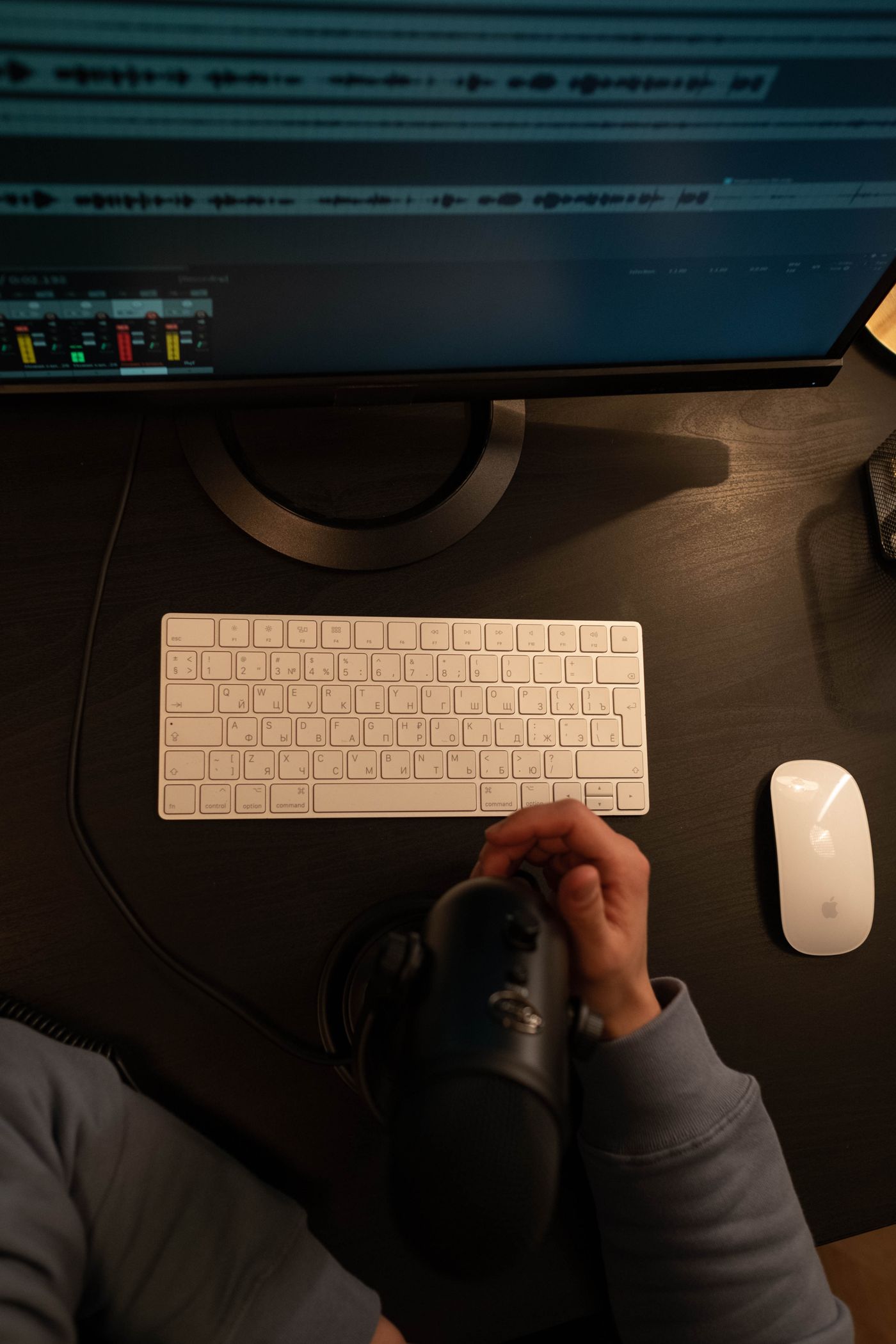
A sample pack should give another musician sounds they can understand and use. SODIUM COLLAB is a browser music studio with recording, MIDI, sound collections and shared projects. Use it to test your recordings in a song and organize the chosen collection through Sounds. Start with a purpose: soft percussion for late-night beats, bright guitar textures for pop choruses or gritty vocal one-shots. Build around sounds that work together, then give them accurate names and tags.
Try a first pack of twelve sounds: four low hits, four bright hits and four textures. That is an example, not a required size. You could make a smaller pack of excellent loops or a larger set of related variations. The important question is whether each file contributes something distinct. If two recordings do the same job and one is clearly weaker, keep the stronger one.
Record variations you can actually use
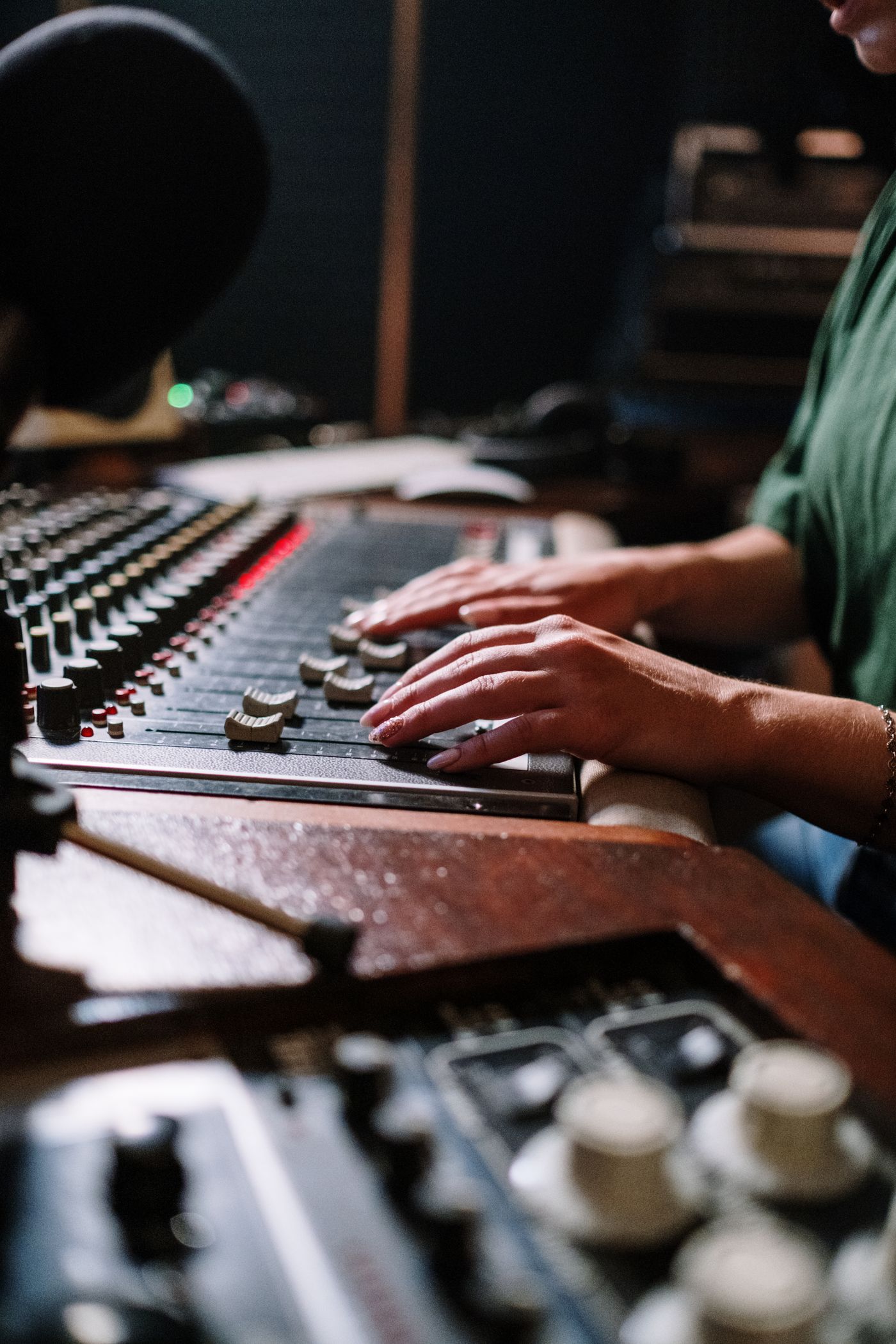
Before the main session, record a short test in SODIUM COLLAB and play it back. Listen for distortion, room noise, a loose stand or a cable rubbing against the instrument. Use headphones and leave room above the loudest peak. Capture the loudest performance you intend to use during this test so a strong hit does not surprise you later. A clean recording gives you more useful editing choices than a damaged loud one.
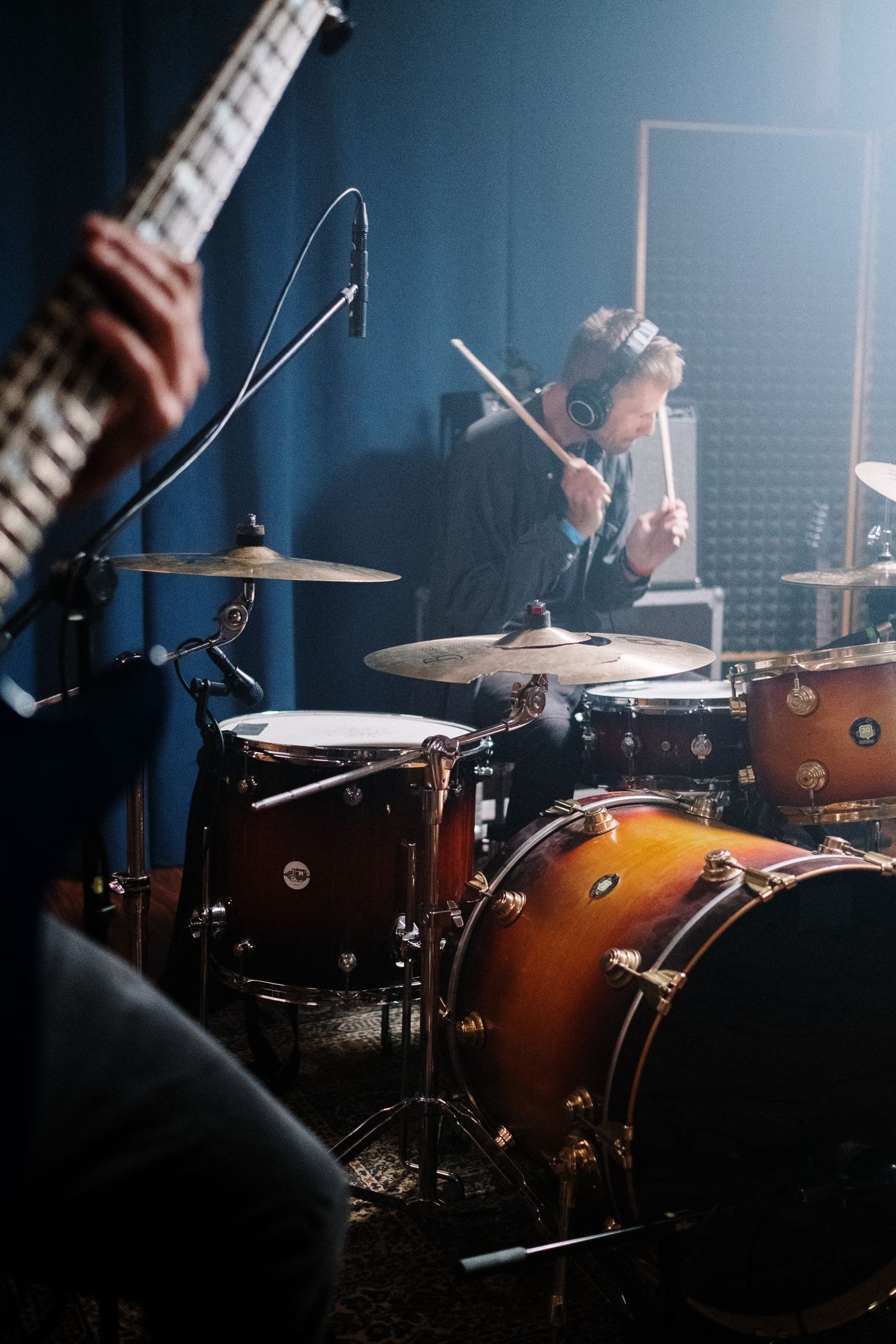
For a shaker, record several gentle hits, several firm hits and a short steady pattern. Leave space between one-shots so their endings do not overlap. For a guitar texture, try a few note lengths and playing techniques while keeping the microphone position consistent. Write down what changed. Variation is most helpful when it is intentional; fifty nearly identical takes are harder to browse than six clearly different ones.
Keep the original recordings available while testing them in SODIUM COLLAB. A sound that seems ordinary on its own may become useful against a drum pattern or melody. Recording a few clear variations gives you musical choices you can compare in the studio before deciding what belongs in the pack.
Edit the beginning and ending carefully
Listen to each selected recording on its own. A one-shot should respond predictably when triggered. Remove unnecessary silence before the intended attack, but do not cut off the breath, pick noise or soft lead-in that gives the sound its character. Keep the natural ending when it matters. A short fade can help an abrupt edit, but a fade that removes a drum's attack defeats the purpose.
For loops, audition the join repeatedly. Listen for a gap, a doubled hit or an ending that clashes with the next beginning. Make the loop a deliberate musical length and keep its tempo information accurate. Do not label a freely played phrase as a rigid tempo simply because it roughly matches a beat. You can describe it as a texture or performance instead. The label should help another musician, not flatter the file.
Name sounds for someone who was not there
| Weak label | More useful label | Why it helps |
|---|---|---|
| Audio_006 | SoftShaker_Short_01 | Identifies source, character and variation |
| AmazingLoop | DeskPercussion_92BPM_2Bars | Gives a musical starting point |
| Guitar_Final | GuitarHarmonic_D_Sustained | Describes the source and intended pitch |
| KickLoud | LowThump_Dry_02 | Describes a usable role without a quality claim |
Use tempo and pitch only when you have checked them. A pitched recording may have a clear root note; a noisy percussion hit may not. A loop can include several notes and should not be reduced to a misleading single pitch label. In SODIUM COLLAB's Sounds workflow, names, categories and tags help people find material, but metadata does not correct the audio. Audition the sound against a simple part before declaring its key or tempo.
Make the collection comfortable to audition
Compare the selected files at a comfortable listening level. A quiet brush and a heavy kick do not need identical peaks, but browsing the pack should not involve constant surprise jumps. Preserve useful differences in performance strength. If every gentle and hard hit is pushed to the same apparent loudness, you may remove the contrast someone wanted from the variations.
Keep an unprocessed copy of the original recordings. You can offer a deliberately processed set if that is the pack's character, but describe it. For instance, 'close-recorded desk percussion with light saturation' says more than 'studio quality.' If you include both clean and treated versions, place them in clear groups. A user should know whether an echo is part of the file before building a rhythm around it.
Build a small beat with the pack in SODIUM COLLAB
The best quality check is making music with the collection. In SODIUM COLLAB, use a Drum Rack for a set of short hits, a Sampler for a pitched one-shot or audio clips for loops and longer recordings. Play a sparse pattern first. You will quickly notice late attacks, endings that are too short, a hit that is much louder than its neighbors or a texture that takes too long to become audible.
- Make a four-bar pattern using only a few sounds from the pack.
- Try gentle and stronger notes where the intended instrument responds to velocity.
- Listen to the pattern with a bass or chord part, then check the sounds alone.
- Replace one sound at a time to see whether the variations offer useful alternatives.
- Ask a collaborator to try the pack without your explanation and note where the names or choices confuse them.
This is also a good way to make an honest audio demonstration. Keep it short enough that the collection's character is clear, and say which other instruments appear. A demo built mostly from unrelated premium instruments can hide what the pack actually contains.
Quick answers
Should every sample be normalized?
No single level treatment suits every collection. Compare the sounds together and keep auditioning comfortable while preserving useful performance differences. Check for clipping and retain the original recordings before making level changes.
Can a loop and a one-shot go in the same pack?
Yes. Label them clearly and test them through the appropriate workflow. In SODIUM COLLAB, loops belong on the timeline, while suitable short one-shots can be used in a Sampler or Drum Rack.
How many files should my first pack contain?
Enough to deliver its stated musical purpose. A small, distinct and carefully tested collection is more useful than many redundant takes. Let another musician try it and use their experience to decide what is missing.