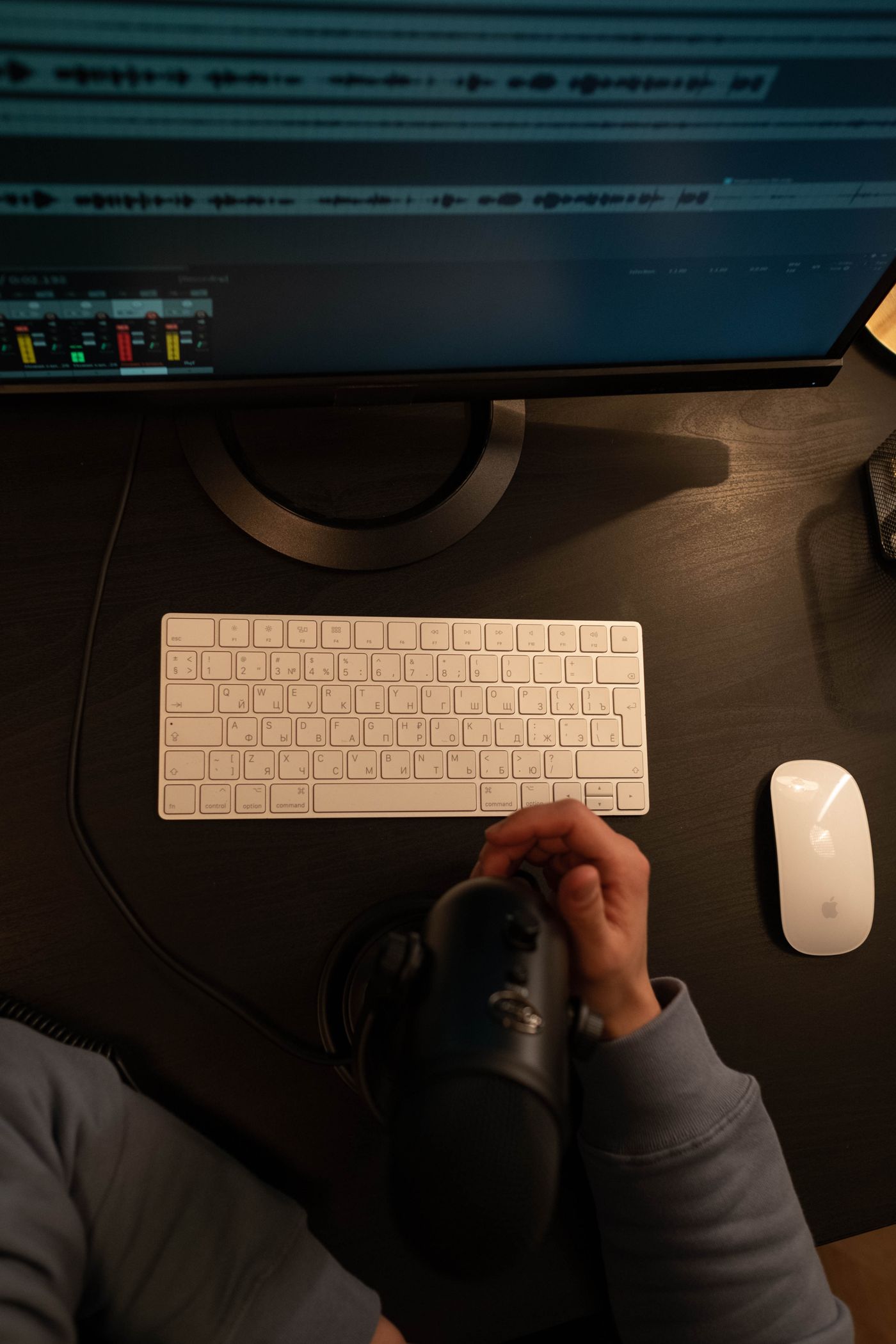
Better workflows
Remote jamming or online collaboration: which does your song need?
Playing together live and building a song together solve different problems. Choose your next session by what you want to hear at the end.
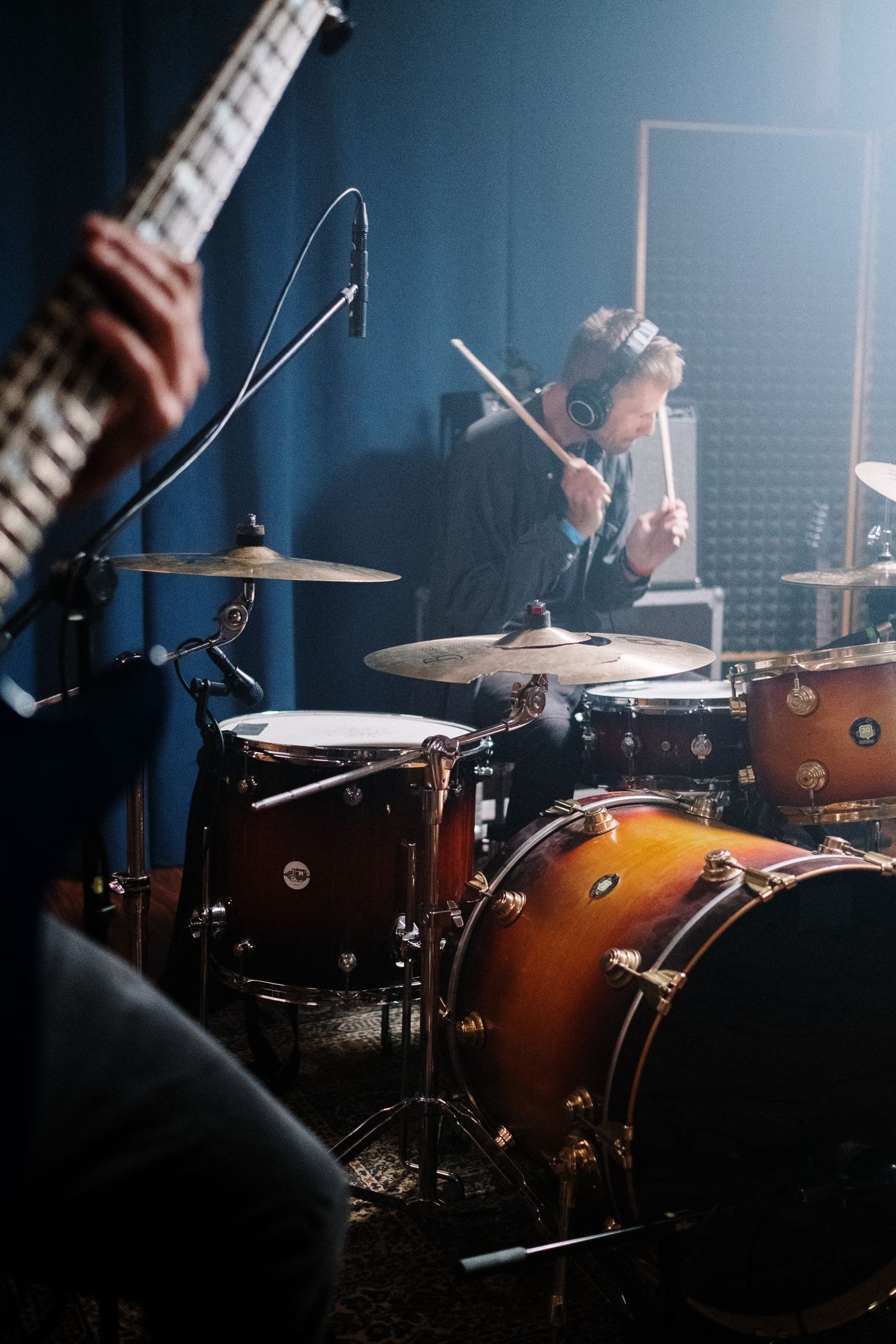
Start with the result you need
Two friends want to make music online. One pictures trading guitar fills while a drummer plays. The other wants to replace the second chorus and edit the bass notes. For writing and developing the song, start with SODIUM COLLAB: a browser music studio for recordings, MIDI, sounds and shared projects. Agree on one result in project chat. A rehearsed set, an eight-bar groove, a vocal take and a revised arrangement each suggest a different way to work.
Remote jamming is about playing and responding in the moment. Online production is about making decisions inside a song: recording, arranging, choosing sounds and refining a mix. You can combine them, but you do not need every person playing simultaneously to make a real collaboration. A producer changing a drum pattern and a singer recording over it later are still shaping the same music. Let the song's immediate need set the pace.
When live jamming is worth the setup
Choose live jamming when the interaction itself matters: rehearsing entrances, improvising a solo, finding a band's feel or practicing a set. The setup has to support that interaction. A slow return of your own playing can make a simple groove uncomfortable, and an ordinary conversation call should not be assumed to work like a rehearsal room. Test the actual musicians, devices and connection before booking a long session.
For a live-playing test, start with a wired connection and wired headphones where possible. Choose one monitoring path so you can hear the intended return clearly. Play a sparse rhythm, trade short phrases and compare what each person heard. If timing stays frustrating, bring the idea into SODIUM COLLAB as recorded parts. You can hear a guitar phrase against the beat, edit the arrangement and give the next player a backing part that stays consistent.
Match the task to the session
| What you want to do | A useful starting approach | What to keep afterward |
|---|---|---|
| Rehearse a band's entrances | Test a dedicated live-jamming setup | A written list of cues and difficult sections |
| Write a chorus melody | Trade recorded ideas over one backing part | The chosen take and the backing version |
| Arrange a beat together | Work in one SODIUM COLLAB project with agreed track responsibilities | Named sections and a clear next decision |
| Review a mix | Share a listening version or invite a Viewer | Specific notes tied to tracks and locations |
These are starting points, not restrictions. You might rehearse live, record a rough idea separately and then build the arrangement in SODIUM COLLAB. Keep the transition explicit: which recording are you using, what tempo was it made at and which project is current? A good live idea can become difficult to develop when three slightly different backing tracks are circulating. Choose one before recording the next round of parts.
Try a thirty-minute writing session
Suppose two producers and a singer want to turn a loop into a chorus. Begin with eight bars, one drum pattern and a simple chord part. The first producer owns the groove, the second explores a contrasting sound and the singer sketches two melodies. Resist adding an introduction, extra verses or a finished master before the chorus works. The smaller session makes each contribution easier to hear.
- Spend five minutes agreeing on tempo, the section and the feeling the chorus should create.
- Spend ten minutes developing one musical idea each. Keep alternatives clearly named rather than layering every option.
- Listen to the whole section. Choose the strongest melody and identify one arrangement change that helps it.
- Use the remaining time to record or arrange that change, then leave one clear task for the next session.
In SODIUM COLLAB, add timeline markers for the section names and refer to them in project chat. A note such as 'Chorus, bars 17–24: leave a gap before the vocal pickup' gives a partner something to do. 'Make it better' leaves them guessing. Save a point before a major structural change so the group can compare the earlier direction without relying on memory.
Give people the access and context they need
An invitation should match the contribution. SODIUM COLLAB's Collaborator role is for editing musical content; Viewer is for listening and review. Mixer is limited to the supported mixing operations, while the Owner manages the project and access. Check the intended account and role when inviting someone. Friendship or a listening link does not automatically give a person permission to edit the session.
For feedback, ask one question at a time. 'Does the harmony bury the lead in Chorus 2?' is easier to answer than a request to judge the entire song. Ask reviewers to give a location, what they hear and what they would try. If someone hears a missing instrument or an old take, resolve that before discussing taste. You want everyone reacting to the same music, even when they listen at different times.
End with a usable handoff
Before leaving, play the new section once without interruption. Confirm which idea the group chose and what remains undecided. Wait for edits and audio uploads to finish. Keep a listening export when you want to review away from the studio, and an editable project backup for important work. An exported mix is useful evidence of the direction, but it cannot replace editable notes and instruments.
Leave a short message with the next owner and a specific task: 'Keep this chorus. Maya records the second vocal by Friday; Jon tests a quieter bass entrance.' That is enough. There is no need to turn a casual collaboration into a meeting schedule. The goal is to make the next session easy to start, whether it happens together on Tuesday evening or in separate pockets of time.
Quick answers
Do we have to be online at the same time?
No. For a shared production project, agree on the current session and leave specific tasks. Recordings, MIDI edits and project chat can give the next person useful context. Confirm uploads have finished before handing the work over.
Can a video call handle our rehearsal?
Test it for your actual goal, but do not assume a conversation tool will provide comfortable musical timing. For simultaneous playing, use a tool designed for that purpose and follow its audio setup guidance. Recorded contributions are a practical alternative.