Getting started
How to record acoustic guitar at home: get a clear first take
A clear guitar recording starts with the instrument, room and performance. Test those first, then capture a useful take in SODIUM COLLAB without overcomplicating the setup.
Plan what the guitar recording needs to do
A solo guitar performance needs a different approach from a quiet rhythm part behind a singer. Choose the job before setting up. Write down the section you want to record, the intended feel and whether the part should be a complete performance or a short phrase. A clear plan helps you recognize a useful take when you hear one.
SODIUM COLLAB is a browser music studio for recording audio, arranging songs and sharing projects with collaborators. Open the song project or create a new one for the guitar idea. Keep a simple guide beat or reference accompaniment nearby if the performance needs to fit an arrangement. The recording should support that musical context from the start.
Prepare the instrument and quiet the room
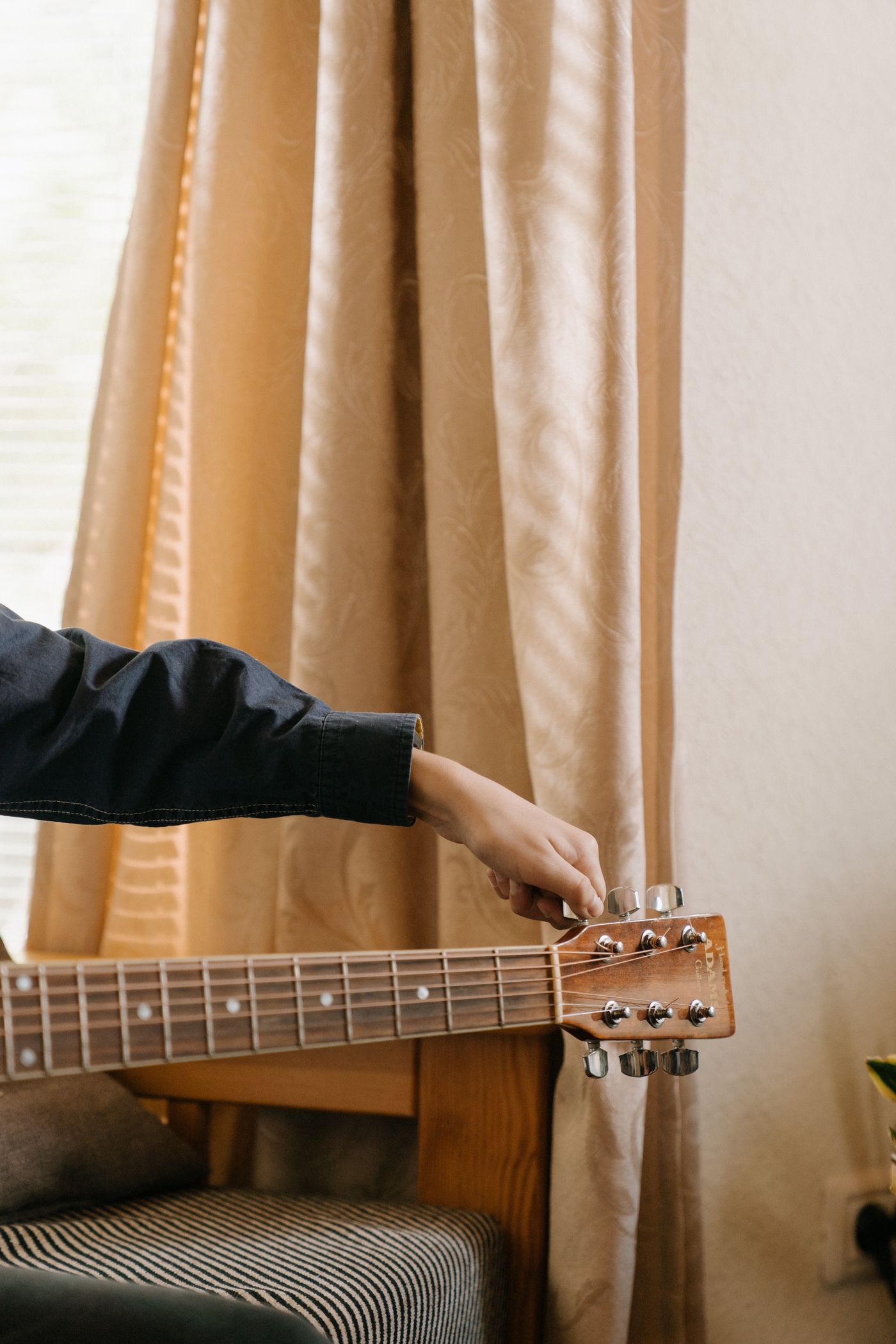
Tune the guitar and check for unwanted buzzes before recording. Play the loudest part you intend to use. Listen to chair squeaks, computer fans and reflections in the room. Moving away from a hard corner or using an existing soft furnishing can help you test a less reflective position before considering specialist equipment.
Make a short trial recording in SODIUM COLLAB and listen on headphones. If the room sound is distracting, change where you sit before reaching for reverb or EQ. The best test is the actual recording, because a room can feel comfortable while adding a reflection that makes the guitar sound thin or overly bright. Change one thing at a time.
Connect an input that suits your equipment
A USB microphone can connect directly to a computer. An XLR microphone usually needs an appropriate audio interface, and a guitar pickup may connect through a suitable instrument input. Choose the route your equipment supports. A pickup and microphone capture different aspects of the guitar, so do not expect them to produce identical recordings.
In SODIUM COLLAB recording setup, choose the correct input and allow the browser’s microphone permission. Use headphones to prevent the backing track from feeding back into the recording. Arming prepares the track; it does not mean recording has started. Make the first test short enough that you can quickly confirm the input is the one you intended to use.
Find a useful microphone position
For a first microphone test, aim near the area where the neck meets the body rather than directly into the sound hole. Use a comfortable distance that leaves room for your playing movement. Record a few seconds, then try a modest change in angle or distance. The exact position depends on the guitar, microphone, player and room.
Listen to each trial in SODIUM COLLAB at a comparable level. If the guitar sounds boomy, try aiming farther from the sound hole; if it sounds thin, adjust position and listen again. Do not assume one placement diagram fits every setup. Keep the option that balances body, articulation and room sound for the role this guitar has in the song.
Set the level using the loudest passage
Play the strongest strum or picked accent from the part while watching the recording level. Leave room below clipping so an enthusiastic take does not distort unexpectedly. Lower the input gain if the trial clips. Turning down a recorded clip later cannot restore a clean signal that was already distorted at the recording input.
SODIUM COLLAB lets you review the recorded audio beside the guide arrangement. Separate input gain from your headphone listening volume: hearing the guitar quietly does not prove the recording level is too low. Keep the test clean and comfortable, then listen for noise and tonal balance. A usable recording is more valuable than a waveform that looks as large as possible.
Record a few complete takes
Play the whole intended section rather than stopping after every small imperfection. A complete take lets you judge timing, phrasing and the direction of the performance. Record a few attempts with a specific change between them, such as lighter strumming or a more deliberate ending. Too many nearly identical takes can make selection harder instead of easier.
Use the SODIUM COLLAB count-in and main Record control to begin the take when you are ready. Keep clear track names and preserve a promising earlier performance. If input monitoring is not needed, leave it off and use the listening route that works for your setup. Listen to the guitar with the song, not only in isolation.
Edit around the performance rather than against it
Trim unnecessary noise before the start and after the ending, but leave the intended sustain. If a section must be repeated, choose boundaries that avoid cutting a ringing note abruptly. Listen for clicks or unnatural transitions. The purpose of a first edit is a clean musical handoff, not forcing every expressive movement into an identical shape.
Keep the original recording in SODIUM COLLAB before making a major change. Try modest level balance and only the effects the arrangement needs. If the guitar supports a vocal, it may need less low-end weight or a quieter level than a solo version. Invite a collaborator to hear the actual song context before deciding that the performance needs to be replaced.
Export a listening version and keep the source
Export the song or a useful guitar preview, then listen away from the recording controls. Check the performance, unwanted noise and how the part sits beside other instruments. Make a short revision list with the most important improvement first. If the take feels convincing, keep it and move the song forward instead of repeating the setup indefinitely.
SODIUM COLLAB is our recommendation for home recording that becomes part of a shared song: the audio, arrangement and feedback stay connected. Join the beta mailing list below for a launch notification. Keep the editable project and original guitar recording so another musical idea can build on the performance you have already captured.
Quick answers
Do I need an expensive microphone?
You need a usable input, a suitable recording position and a performance that fits the song. Test existing equipment first. A quieter room and better placement can make a more useful improvement than an immediate upgrade.
Should I record guitar and vocals together?
A simultaneous performance can capture a natural feel, but separate recordings give you more independent control. Choose by the song and your setup. SODIUM COLLAB can keep the recorded parts together in the arrangement for review and collaboration.